
Book Appointment Now

AI That Can Use a Computer, Within Your Rules
From Answering Questions to Completing the Steps.
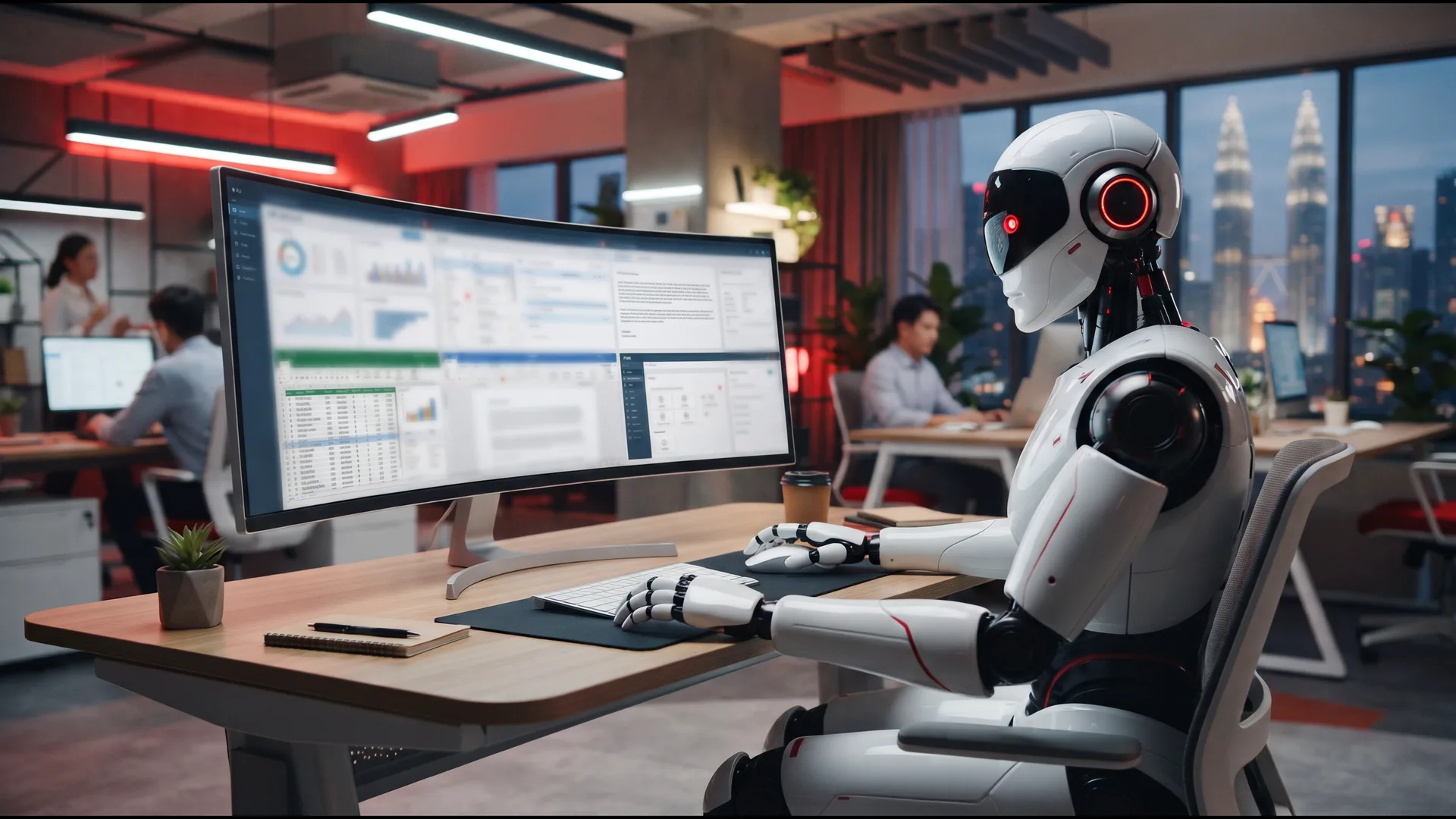
Most AI tools stop at an answer. Hoost2u AI Virtual Staff can be configured to take the next step: open an authorised website, find the right screen, enter the details and work through a supported business application, much like a trained team member at a keyboard. Every action happens within the permissions you approve.
Part of Hoost2u AI Virtual Staff. Packages from RM1,000 setup + RM499/month.
THE DIFFERENCE
The Difference Between Explaining a Task and Doing It
A chatbot tells you how the work could be done. A Hoost2u AI Virtual Staff member with computer-use can be set up to help carry out the steps, then hand the result back to your team.
A typical AI chatbot
Helpful with words.
- Answers questions and drafts text
- Explains the steps you need to take
- Leaves the copying, pasting and clicking to you
- Starts again each time unless you repeat your instructions
Hoost2u AI Virtual Staff with computer-use
Helpful with the work itself.
- Opens the authorised website or application for the task
- Reads what is on screen and follows your agreed procedure
- Clicks, selects and enters information in supported interfaces
- Pauses for your approval before sensitive actions, then reports back
SIX CORE CAPABILITIES
What Computer-Use Lets Your AI Staff Do
These are the building blocks we combine into each role. What your assistant actually does depends on the applications you approve, the permissions you set and the workflow we agree.
Click & Interact
Works with buttons, drop-down menus, checkboxes and form fields in supported interfaces.
For example: choosing a category and completing an enquiry form in an approved CRM.
Understand On-Screen Information
Reads accessible text, tables and status messages on screen to decide the next agreed step.
For example: checking whether a customer record already exists before creating a new one.
Navigate Websites
Moves through authorised websites page by page to find what a task needs.
For example: collecting approved product details from your own website for a reply.
Operate Web Applications
Works inside supported web applications at the access level set for its role.
For example: updating a follow-up date in an approved sales system.
Understand Pictures & Videos
Reviews supported images and video to describe, compare, summarise or extract details.
For example: turning a short product video into caption ideas for your team to review.
Complete Multi-Step Tasks
Links several actions and applications into one configured procedure, with checkpoints where you want them.
For example: logging an enquiry, drafting a reply and flagging it for approval.
IN EVERYDAY ROLES
What Computer-Use Looks Like in Each Role
The same capabilities, applied to four familiar jobs. Each example below is illustrative; your own workflow is agreed during setup.
AI Administrative Assistant
Example task: Opens your approved document folder, prepares a first draft from your template, saves it under your naming convention and leaves it for sign-off.
AI Web & Social Media Assistant
Example task: Reviews selected pages of your website, prepares draft posts inside an authorised scheduling tool and leaves them unpublished until your team approves.
AI Sales & Marketing Assistant
Example task: Logs a new enquiry in a supported CRM, pulls approved product information, drafts the follow-up and records the next step for your salesperson.
AI Customer Service Assistant
Example task: Looks up approved information in a supported service application, prepares the reply and refers refunds, complaints and unusual cases to the right person.
STEP BY STEP
How a Computer-Use Task Runs
Every task follows a procedure you have agreed with us, so you know what the assistant will do and where it will stop.
1. Receives the task. Your team assigns it through the Hoost2u control panel, or a WhatsApp or Telegram group set up for your business.
2. Opens the approved application. Only the websites and applications authorised for that role.
3. Reads the screen and works through the steps. Finds the right page, checks the information and enters or updates details as your procedure describes.
4. Stops at your checkpoints. Anything you mark as sensitive waits for a person to approve.
5. Finishes and reports back. Completes the agreed steps and lets your team know what was done, or what needs a human decision.
WITHIN YOUR RULES
Powerful on Screen. Limited to What You Approve.
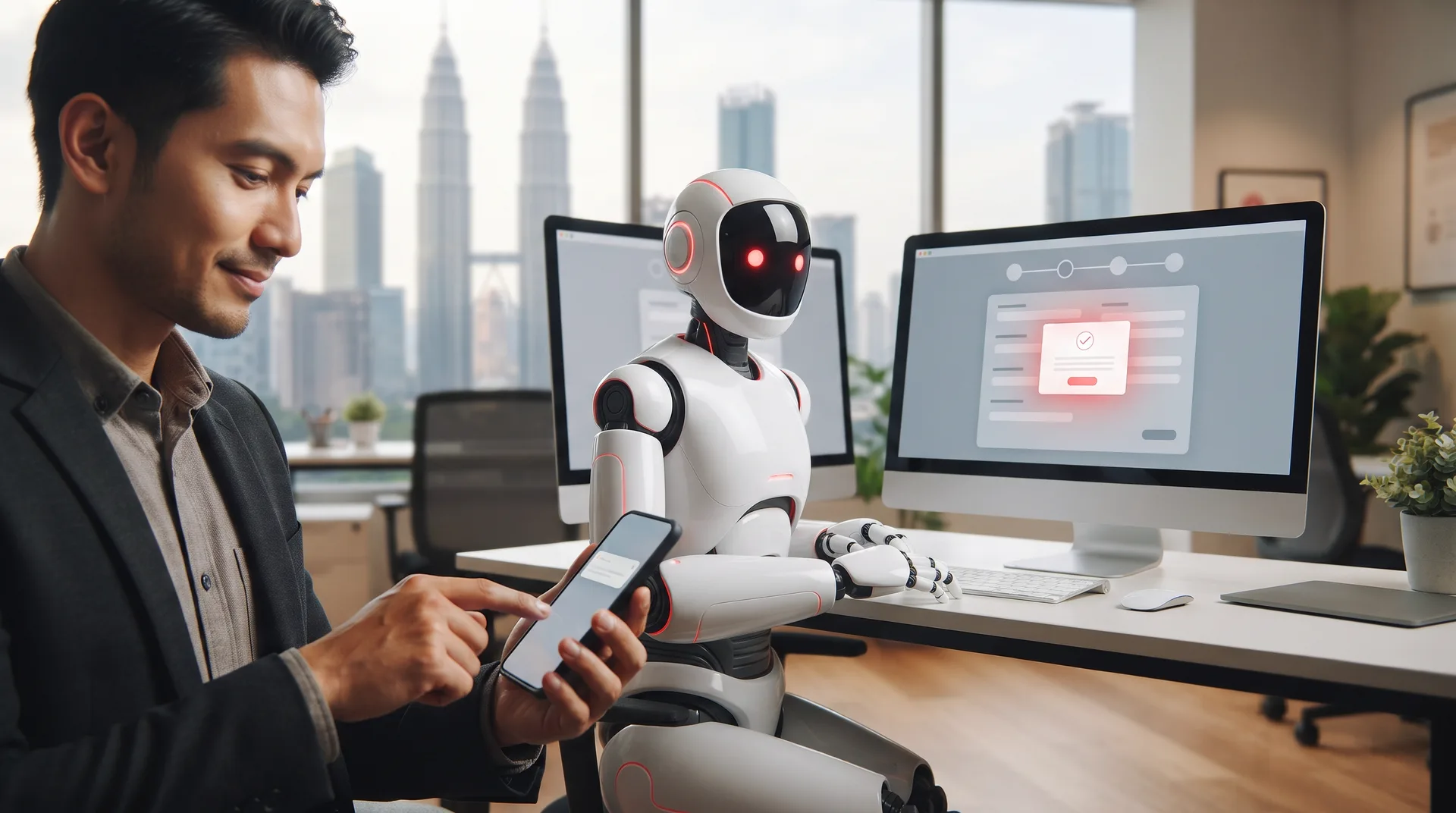
Computer-use gives an AI assistant real reach inside your systems. That is why the boundaries are agreed before go-live, not after.
What it can do
- Work in the websites and applications you authorise for its role
- Follow the procedures and templates you agree with us
- Read, enter and update information within its access level
- Prepare work for your team to check and approve
What always waits for a person
- Payments, submissions and deletions
- Changes to important records
- External communications you mark as sensitive
- Anything unusual, unclear or outside its agreed scope
Actual operations depend on the approved applications, permissions, workflow requirements and technical compatibility. Some applications restrict automated use or need additional integration arrangements; we assess each one during implementation. Video processing depends on file format, size, duration and technical setup, and important visual findings should be checked by a person when accuracy is critical.
FAQ
Questions About AI Computer-Use
What businesses usually ask before letting AI work inside their applications.
Can AI really operate a computer?
Yes. Hoost2u AI Virtual Staff can be configured with computer-use capabilities for supported graphical interfaces. Depending on the setup, it can navigate websites, click interface elements, enter information, read accessible on-screen content and work through selected procedures. What it can do in your business depends on the applications you approve, the permissions you set and technical compatibility.
Will it work with the applications we already use?
Often, but not always. Many websites and web applications can be navigated, while some restrict automated use or need additional integration arrangements. We assess each application and workflow during implementation and tell you what is practical before go-live.
Can it understand pictures and videos?
Yes, where visual processing is supported. It can help with image descriptions, visual comparisons, video summaries, content ideas and information extraction. Video processing depends on file format, size, duration and technical setup. Important visual findings should be reviewed by a person when accuracy matters.
How do we stop it doing something we did not intend?
You agree the boundaries with us before go-live: which applications it may use, what access it has and which actions must wait for approval. Payments, submissions, deletions and changes to important records wait for a person. Access can be adjusted or withdrawn whenever your needs change.
How do we give it tasks?
Through the Hoost2u control panel, or a WhatsApp or Telegram group set up for your team. You brief the assistant there, much as you would brief a colleague.
GET STARTED
Show Us the Screens Your Team Clicks Through Every Day
Give AI a Job. Not Just a Question.
Tell us which websites and applications your team works in, and which repetitive steps take up the most time. We will assess what an AI Virtual Staff member can handle through computer-use, set the approvals you need and manage it after launch. Packages start from RM499/month.